

Your T2125 records, organized as you go
The T2125 is how many self-employed Canadians report business income and expenses. Accountly organizes the records you enter into the categories used for that workflow.
What is the T2125?
It's the CRA form called the "Statement of Business or Professional Activities." If you freelance, do gig work, or run your own business as a sole proprietor, you file one every year with your personal tax return.
Business income
What you earned
Operating expenses
What you spent
Net income
What you owe taxes on
Curious what you'll owe?
Estimate your income tax, CPP and EI, and check whether you need to register for GST/HST, in seconds with our free self-employed tax calculator, no signup required.
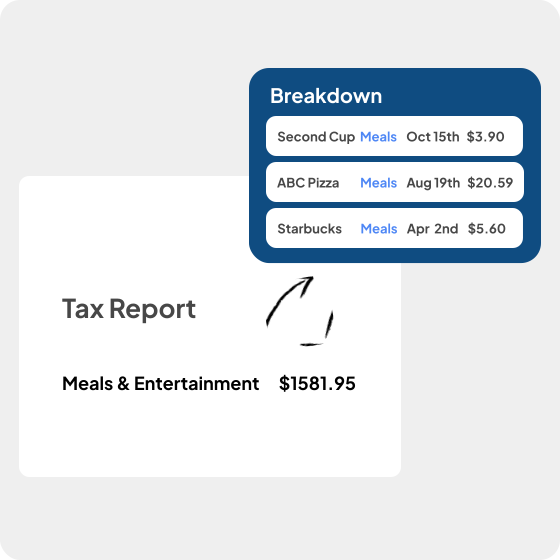
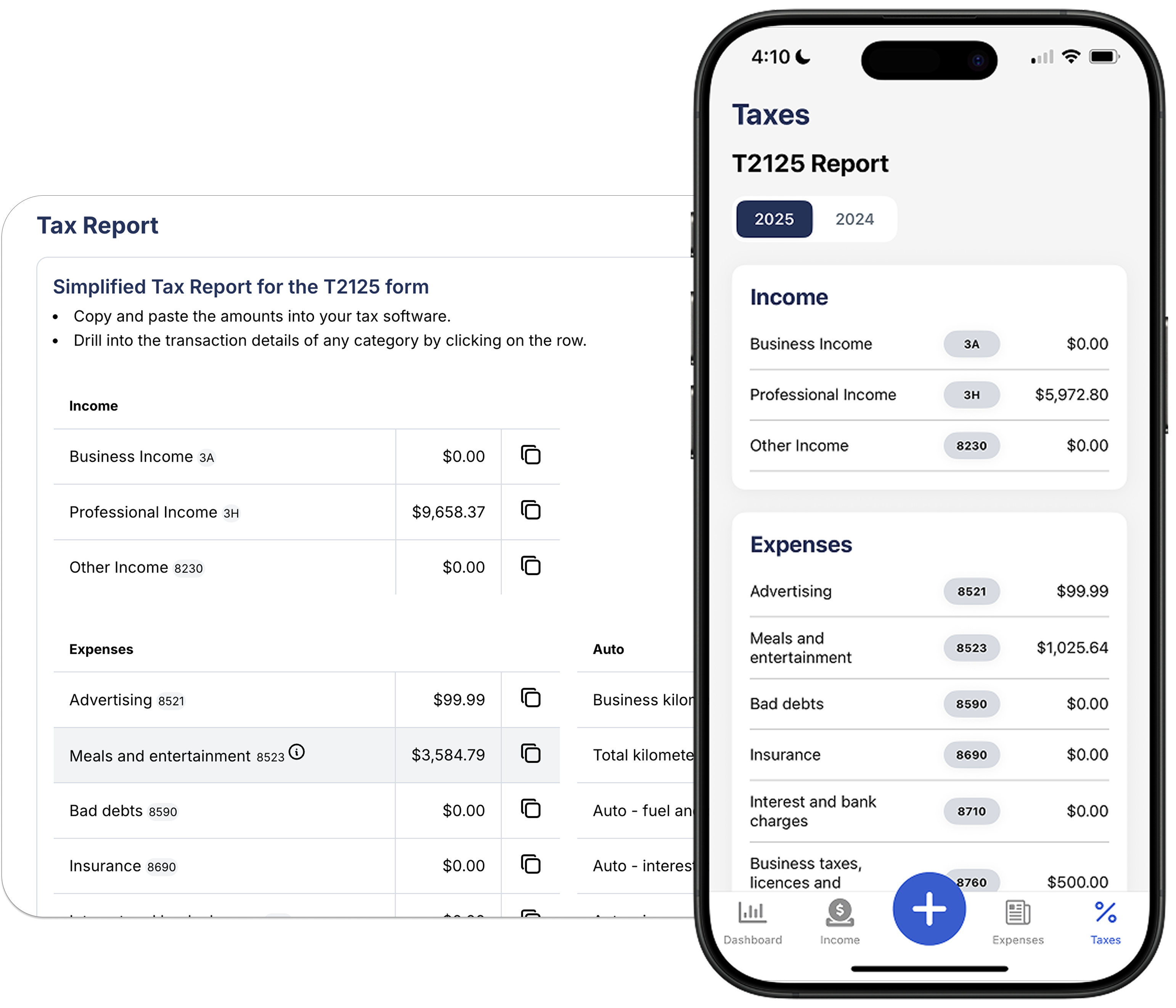
Totals that update as you go
Transactions you record roll up into T2125 categories. Review the categories and totals before filing or sharing them with your accountant.
 Income and expenses sorted into T2125 categories
- Totals update in real time
- Adjust categories or amounts anytime
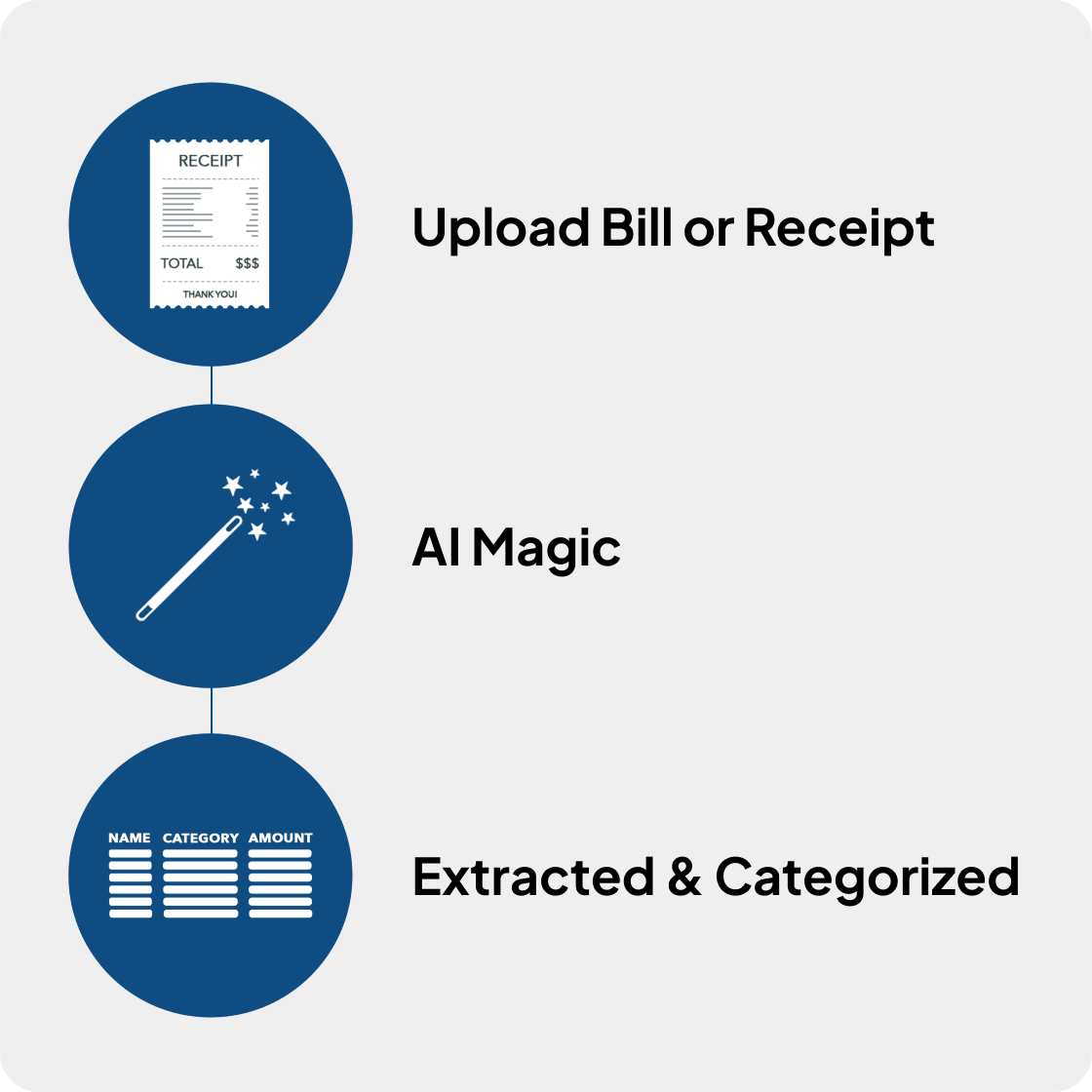
Keep deduction records together
Use built-in categories for home office, vehicle, meals, supplies, and other business expenses, then confirm that each claim is eligible.
- CRA expense categories built in
- Snap receipts with your phone as proof
- GST/HST amounts available for review
Hand it off to your accountant
Invite your accountant to review your T2125 data directly. No spreadsheets, no back and forth.
- Share read-only access with your accountant
- Receipts kept with the related transactions
- Export or review together before filing
How it works
Track as you go
Log income, snap receipts, and categorize expenses throughout the year.
Review your totals
Check your T2125 summary anytime to see where you stand.
File with confidence
Share a clean breakdown with your accountant, or use it to file yourself.
Common questions
What is the T2125 form?
It's the CRA form (Statement of Business or Professional Activities) that self-employed Canadians use to report business income and expenses. It gets filed as part of your personal tax return.
Who needs to file a T2125?
Anyone earning self-employment income in Canada. That includes freelancers, sole proprietors, gig workers, contractors, and professionals like real estate agents or consultants. Farming and fishing income go on Forms T2042 and T2121 instead.
Does Accountly file my T2125 for me?
Accountly calculates your T2125 totals and organizes the records you enter. Use those numbers with NETFILE-certified tax software, another CRA-accepted filing method, or your accountant. CRA My Account does not prepare and file an initial T1 return.
What expense categories does Accountly support?
All the standard T2125 categories: advertising, meals, vehicle, home office, supplies, professional fees, and more. You can adjust them if needed.
Can my accountant see my T2125 data?
Yes. You can invite your accountant to view your transactions, receipts, and tax summaries directly in Accountly.
Does Accountly handle GST/HST too?
Yes. It tracks the GST/HST you collect and your input tax credits, so you can report both your T2125 and GST/HST from the same data.
Keep your T2125 records organized all year.
Start free, review your totals, and share them with your accountant when you are ready.