

Capture receipts.
Keep better records.
Snap a photo or upload from the web. Accountly extracts the details so you can review and save the transaction.


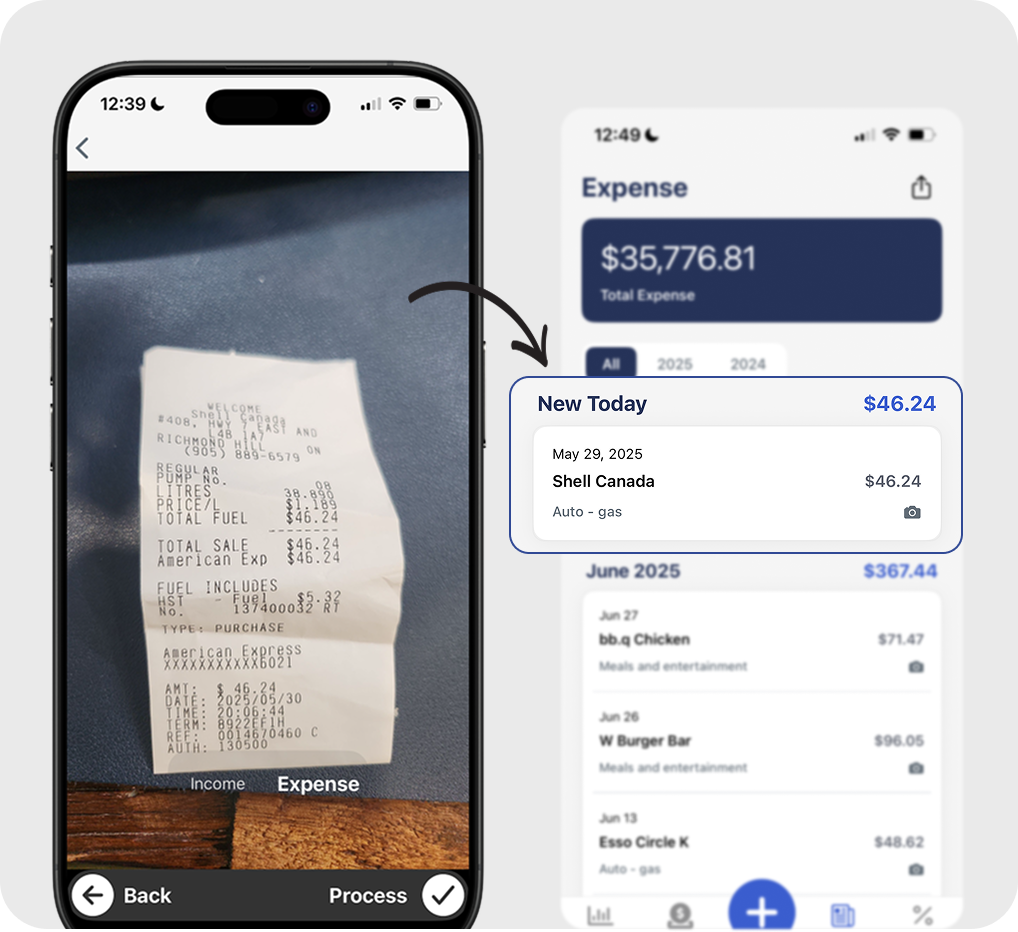
As simple as taking a photo
Capture the document, review the details, and save the record.
Snap a photo
Take a picture of any receipt, invoice, or document on your phone or upload from your computer.
Review the details
Accountly extracts the vendor, amount, date, and tax. Check the result against the receipt before saving.
Keep the record organized
Save the document with the reviewed transaction so it is ready for reports or your accountant.
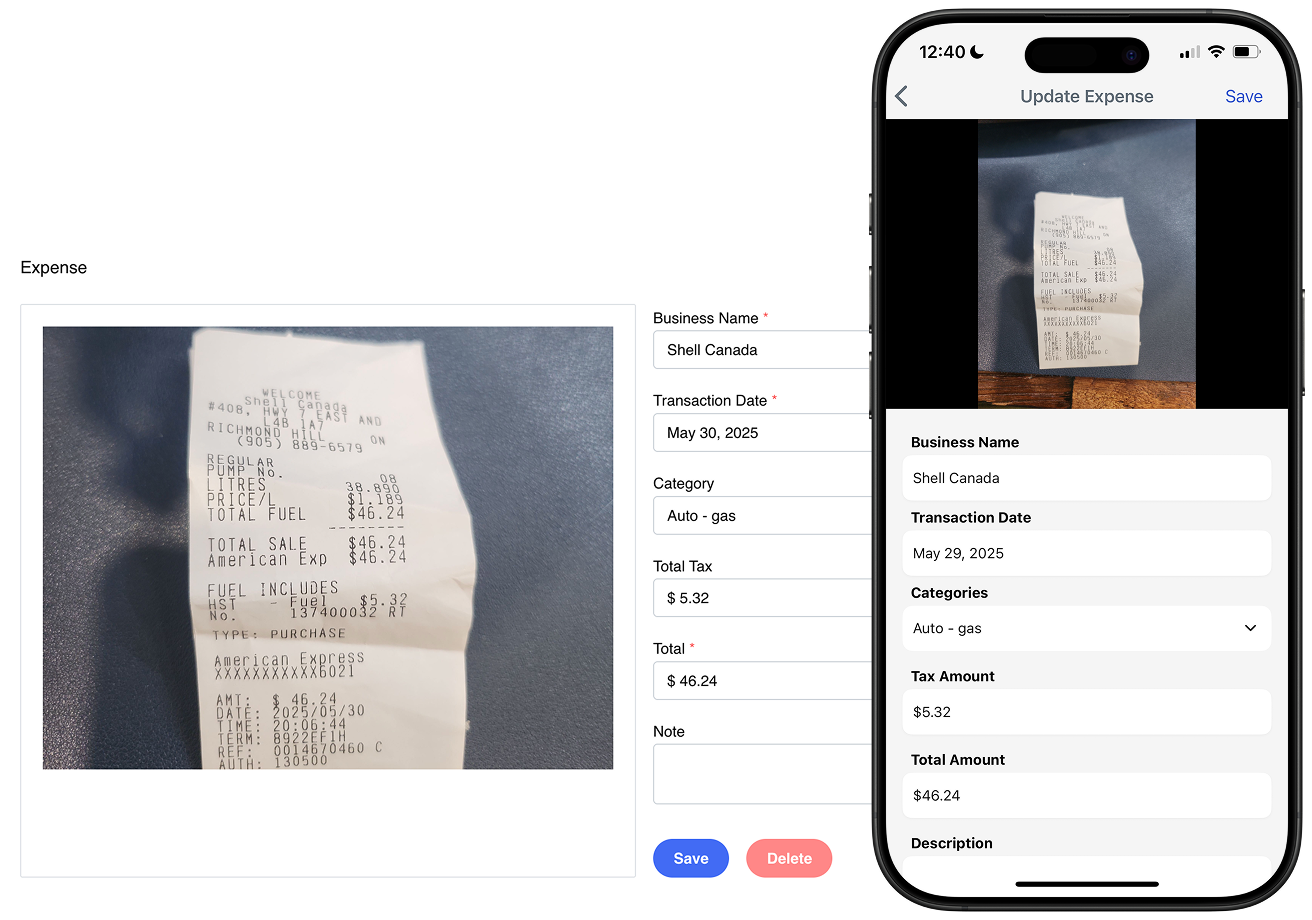
More than just receipts
Capture receipts, invoices, income documents, and supported bank records. Accountly extracts the key details for you to review before saving.
 Works with receipts, invoices, and deposits
- Available on mobile and web
- Tracks both income and expenses
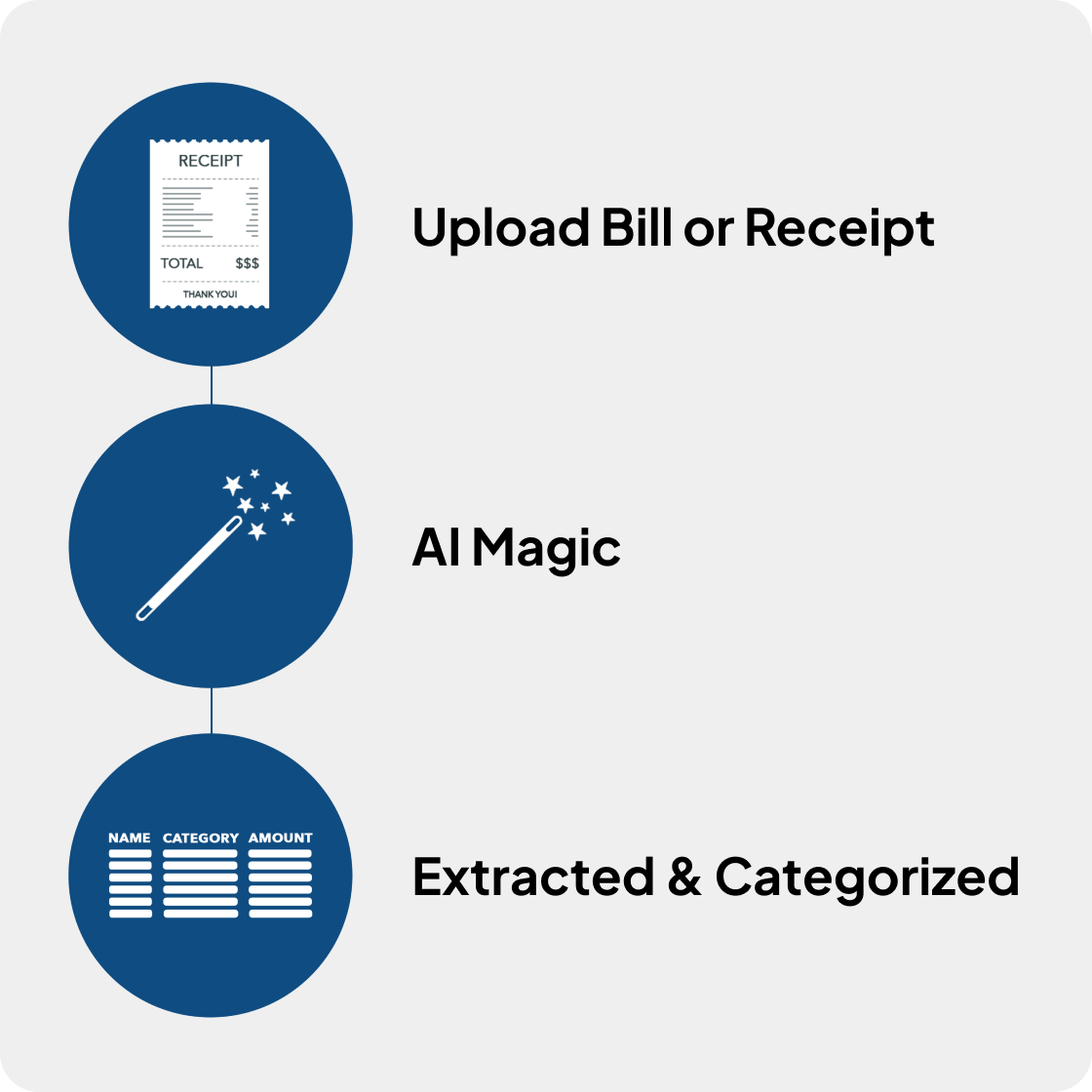
Less manual data entry
Accountly extracts details from receipts, invoices, and supported documents. Review the amount, tax, and category before saving.
- Capture receipts easily from your phone
- Extracted details ready for review
- Home office, vehicle, and all major deduction categories
Keep receipts with the transactions they support.
Try receipt capture free for 30 days. No credit card required.