




Accountly vs. Wave vs. Spreadsheets (2026)
An honest comparison of Accountly, Wave, and spreadsheets for Canadian freelancers. Features, pricing, limitations, and who each option is best for.
Invoice clients, log project expenses, and track your T2125 as you go — whether you're a designer, developer, coach, writer, or any other independent professional.
You got into consulting to do the work, not manage spreadsheets. But invoices pile up, expenses go untracked, and every April you're reconstructing the year from a mess of bank statements. Accountly keeps the financial side clean while you focus on clients.
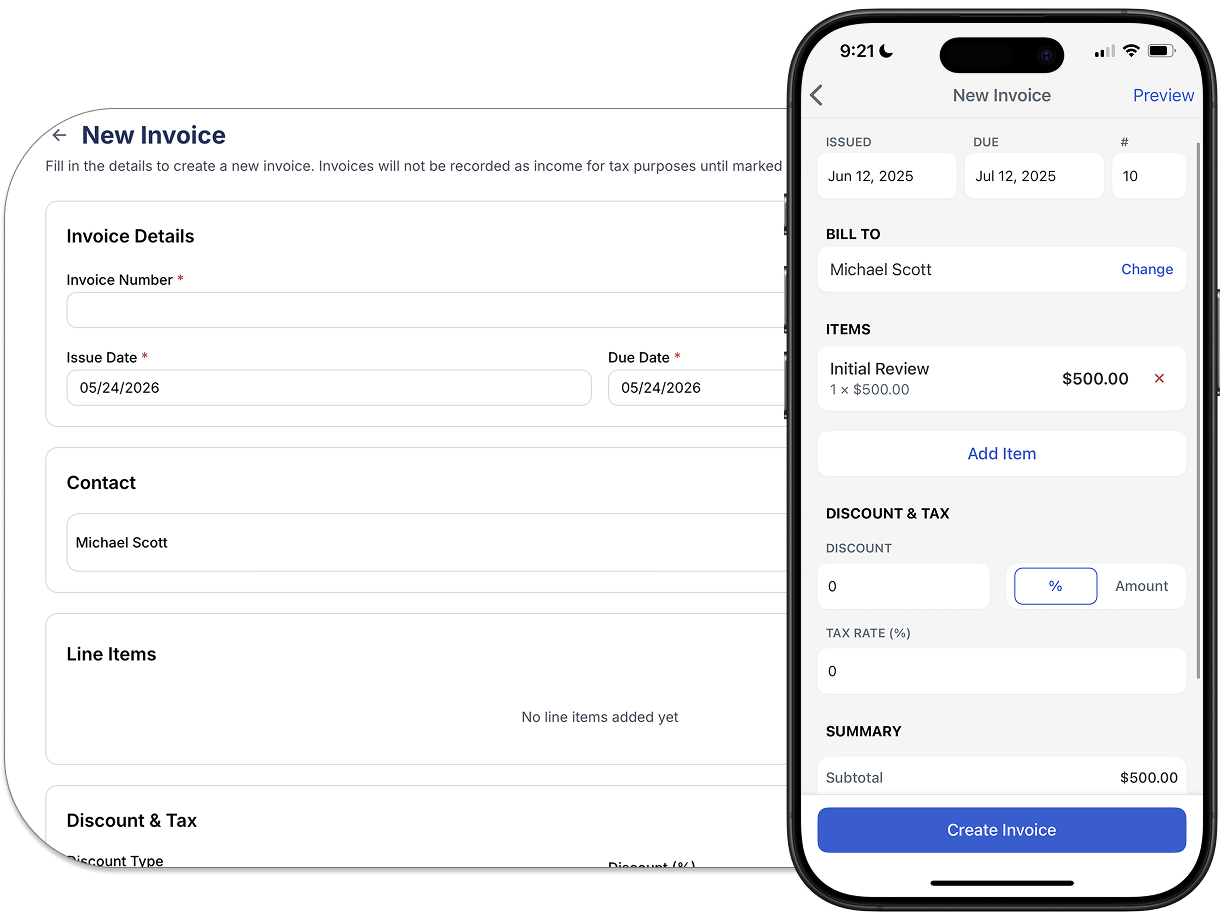
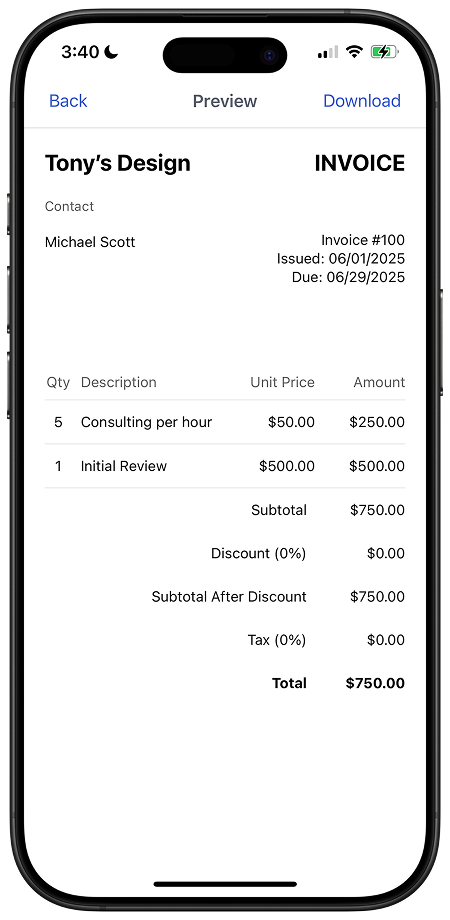
Create professional invoices in seconds, send them directly to clients, and track what's paid and what's outstanding. When an invoice is marked paid, the income lands in your books automatically.
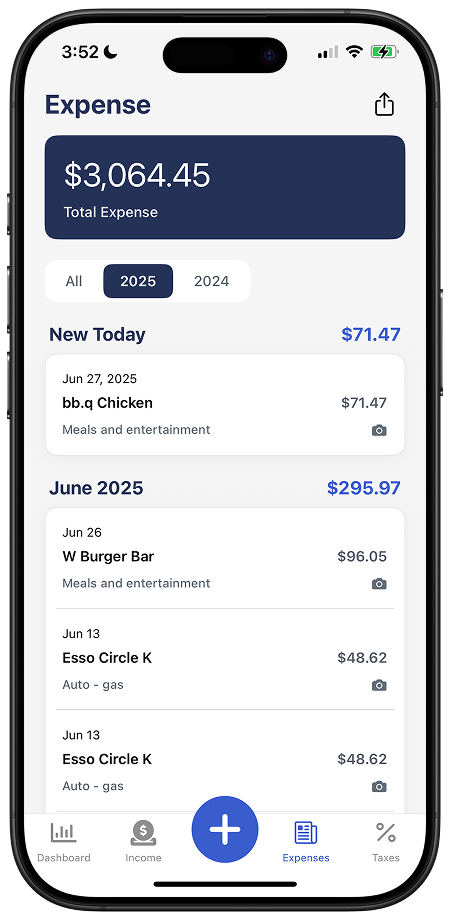
Snap receipts on your phone the moment you spend. Software subscriptions, travel, equipment, client meals — categorized and attached to the right project before you forget what they were for.
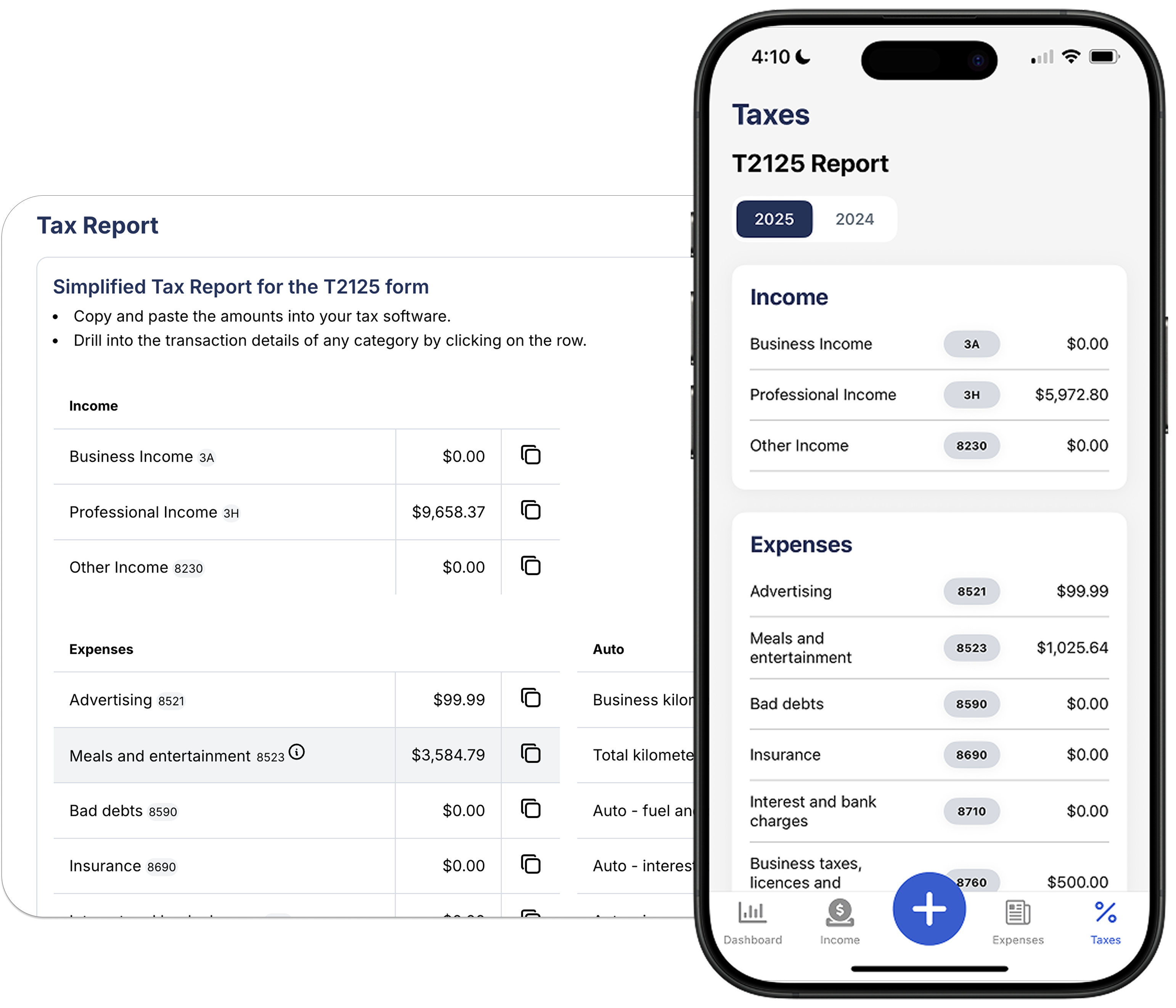
Your T2125 totals update every time you log income or an expense. By tax time, the numbers are done. Hand it to your accountant or file yourself — everything is backed by receipts and organized by CRA category.
Built into Accountly's categories from day one.
If you work from home, claim a percentage of utilities, internet, rent or mortgage interest — calculated on square footage.
Figma, Adobe CC, Notion, Slack, GitHub, hosting. Tools you pay for to do the work are fully deductible.
Business-use portion of your mobile plan and home internet. Keep a reasonable estimate and document it.
Laptop, monitor, camera, microphone, drawing tablet. Major purchases may need to be depreciated over time.
Online courses, conferences, books, certifications. Learning that keeps your skills billable is deductible.
Flights, accommodation, and ground transport for client work. Keep receipts and note the business purpose.
Business meals with clients or prospects. CRA allows 50% of eligible meal and entertainment expenses.
Your accountant, a lawyer reviewing contracts, professional liability insurance, E&O coverage.
Portfolio hosting, domain, ads, design tools, and anything else you spend to land clients.
Tax, invoicing, and business basics — written for self-employed Canadians.

An honest comparison of Accountly, Wave, and spreadsheets for Canadian freelancers. Features, pricing, limitations, and who each option is best for.

A month-by-month tax preparation checklist for Canadian freelancers, from October through June, so you're never scrambling at tax time.

A practical guide to RRSP contributions, retirement planning, and building long-term wealth as a Canadian freelancer. No employer pension required.

A practical guide to tracking vehicle expenses for self-employed Canadians: CRA logbook requirements, business-use percentage, and what you can actually deduct.
Yes. If you earn self-employment income — whether from consulting, design, writing, coaching, or any other service — you file a T2125 Statement of Business or Professional Activities with your T1 return.
Once your gross revenue from self-employment crosses $30,000 in any rolling four-quarter period, you must register with the CRA and charge GST/HST on your invoices. Accountly tracks your revenue so you know exactly where you stand.
Yes. Log time against projects and convert it directly to an invoice. Send the invoice from Accountly and the income is recorded automatically when it is marked paid.
You can attach expenses to specific clients or projects. This makes it easy to see actual profit per engagement and to pass expenses through to clients on an invoice.
Generally you can only claim one primary workspace. If you rent an external space, that rent is deductible as a business expense. A home office claim is for the space in your home used regularly and exclusively for work.
Yes. Invite your accountant directly into your Accountly account. They get read or edit access to your income, expenses, and T2125 totals — no exports, no email attachments.
Free for 30 days. No credit card required.