

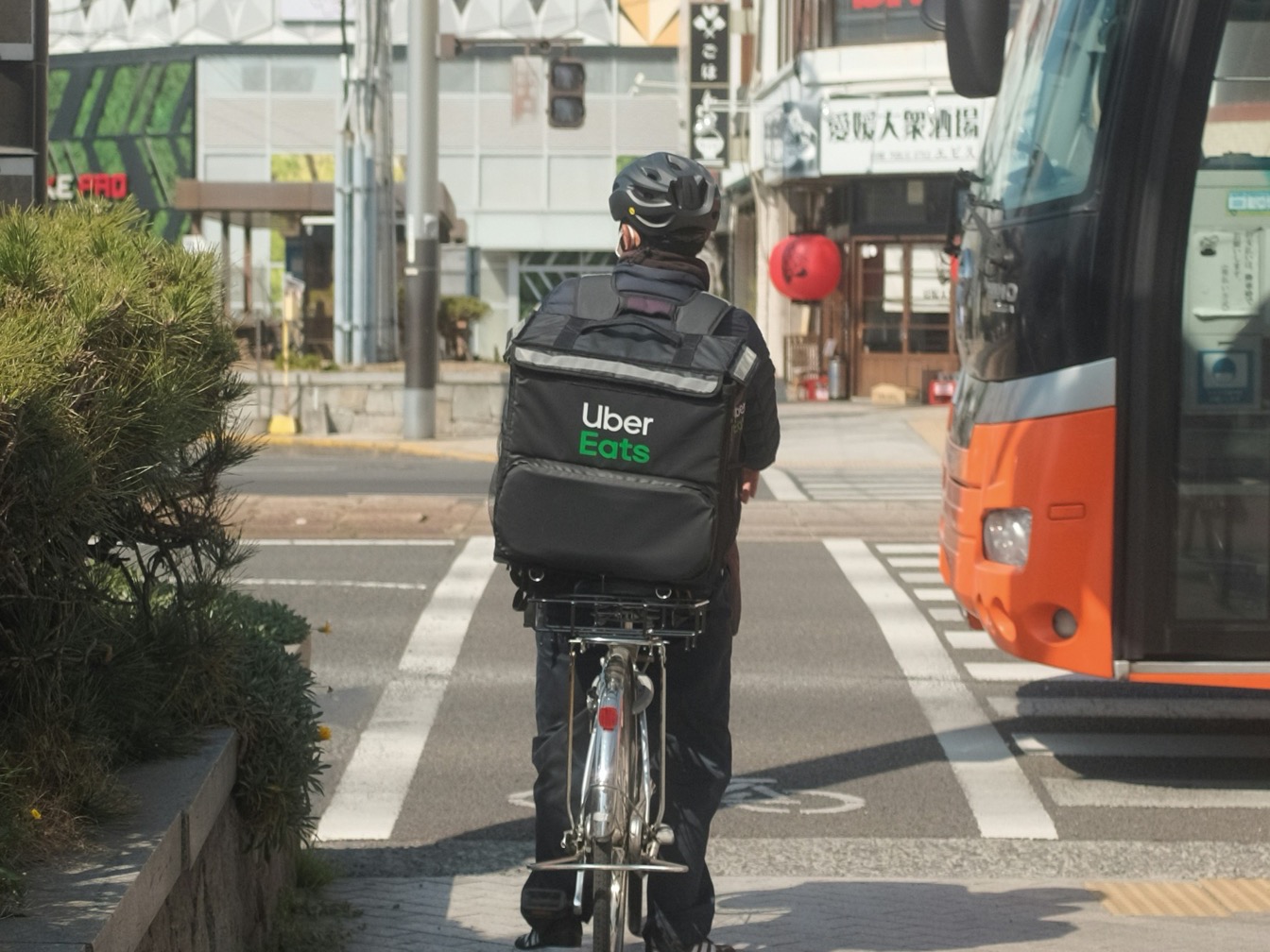
Guide
Gig Worker Taxes Canada: Platform-by-Platform
Platform-specific tax rules for Canadian gig workers: what to deduct, when to register for GST/HST, and how to file for Uber, DoorDash, Etsy, Airbnb, Upwork, and more.
A
Accountly Team·Keep platform income, mileage, fuel, maintenance, and GST/HST records in one place. Review the totals before tax time.


Driving is the easy part. The taxes aren't. Record platform earnings, cash tips, mileage, and fuel receipts as you go so you have source records to reconcile in March.
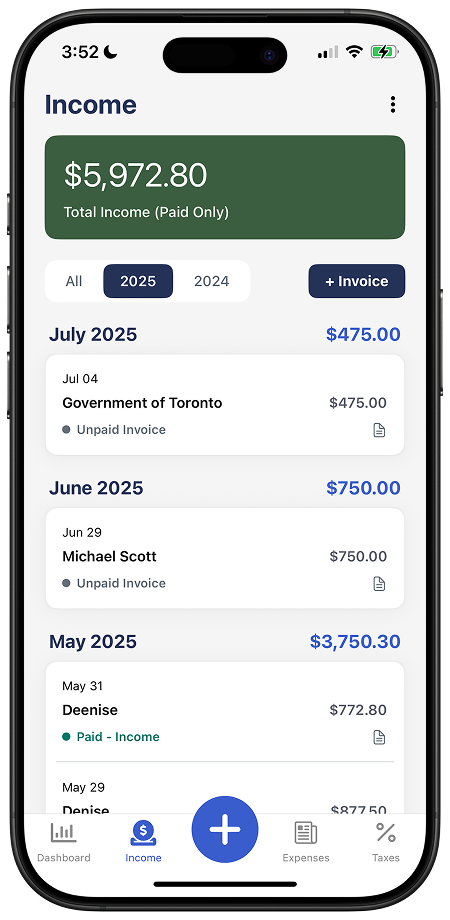
Log earnings from Uber, Lyft, DoorDash, Skip, Uber Eats, whoever pays you. Accountly tracks each platform separately so you can reconcile against what they report to the CRA.
 Earnings tagged by platform (Uber, DoorDash, Skip, Lyft, etc.)Tips and bonuses tracked alongside base faresReconcile against platform statements at year-end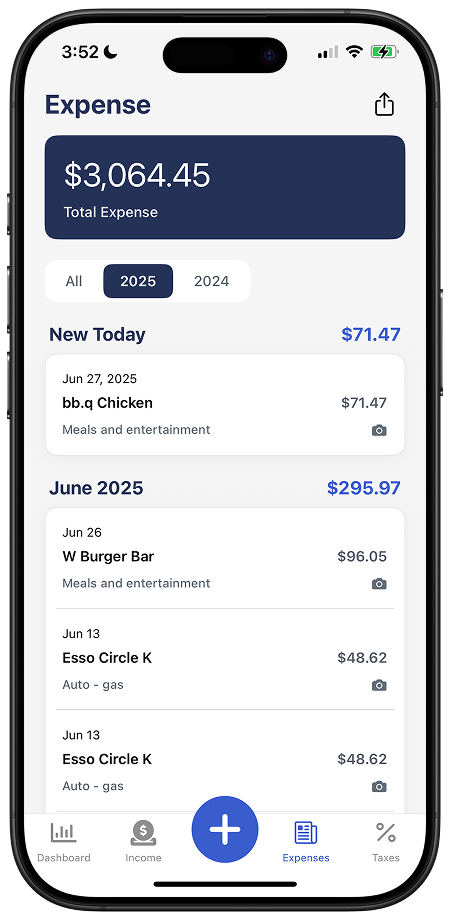
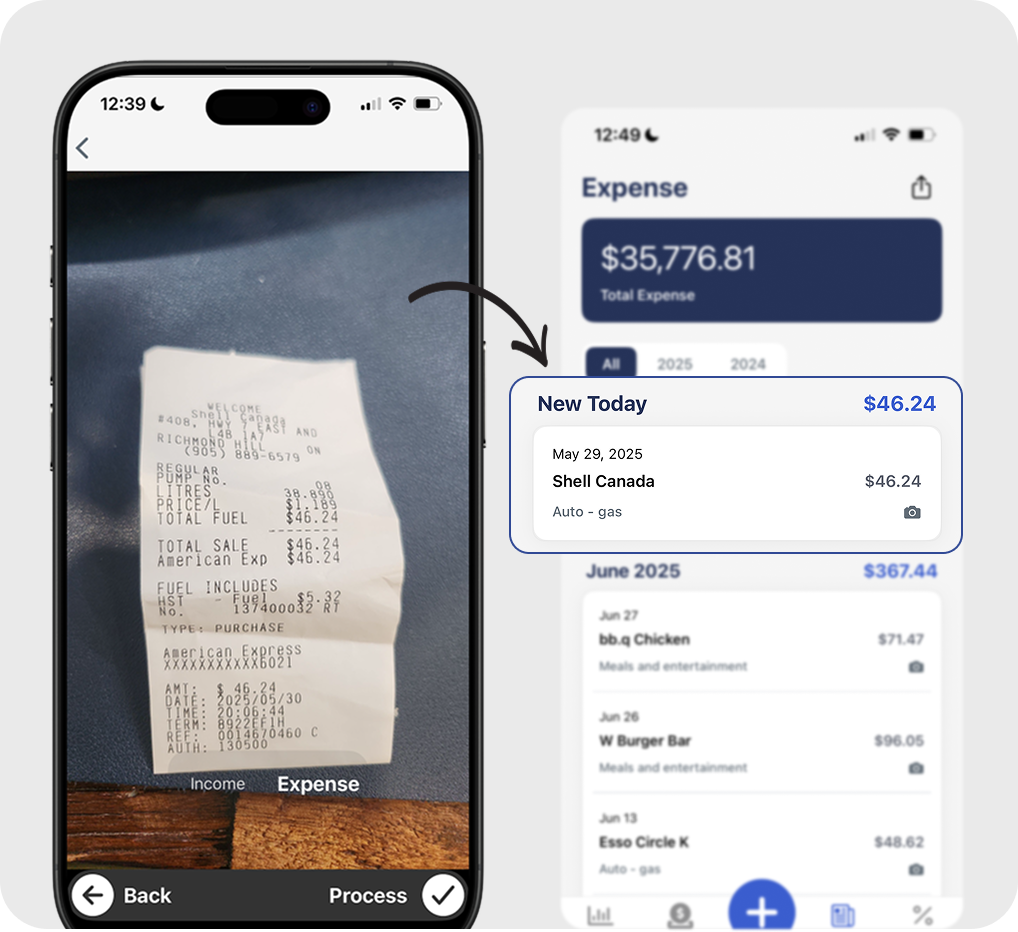
Take a photo of the receipt, review the extracted amount and date, and classify it as fuel. Classify trips to build your business-use percentage for review.
Extract fuel-receipt details for reviewLog mileage trip by tripMaintenance, insurance, parking, and tolls all tracked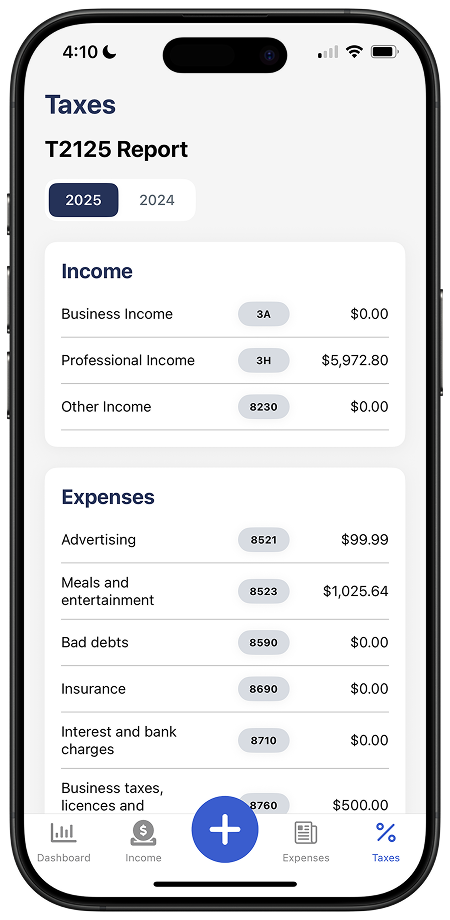
Rideshare drivers generally register from their first fare, while delivery drivers usually follow the small-supplier threshold. Record tax collected and tax paid, then confirm eligible input tax credits before filing.
GST/HST amounts recorded with incomeTax paid stored with expense recordsTotals available for review or your accountantBuilt for gig work, not adapted from generic small-business software.
Every fuel receipt counts. Snap it at the pump and Accountly files it under your vehicle category.
Oil changes, tires, brakes, alignments. The kilometres you drive add up, so do the costs.
Track business-use kilometres trip by trip. The CRA wants a logbook, not a guess.
Business-use portion of your monthly phone bill. The platforms run on your phone, deduct it.
Highway tolls, downtown parking while delivering. Small amounts, big totals over a year.
Yes, really. Keeping a clean car for passengers is a legitimate business expense.
The commercial or rideshare endorsement portion of your auto insurance is deductible.
Dash mounts, chargers, hot bags for delivery, jumper cables. Gear bought for the work counts.
For delivery: insulated bags, drink carriers. For rideshare: water bottles, mints, masks.
Platform-specific advice from people who've filed it.
Platform-specific tax rules for Canadian gig workers: what to deduct, when to register for GST/HST, and how to file for Uber, DoorDash, Etsy, Airbnb, Upwork, and more.
Uber + DoorDash + Skip = one GST/HST threshold. If your combined gig income crosses $30K, you need to register.

How self-employed Canadians calculate motor vehicle expenses for Form T2125 using actual costs and business-use kilometres.
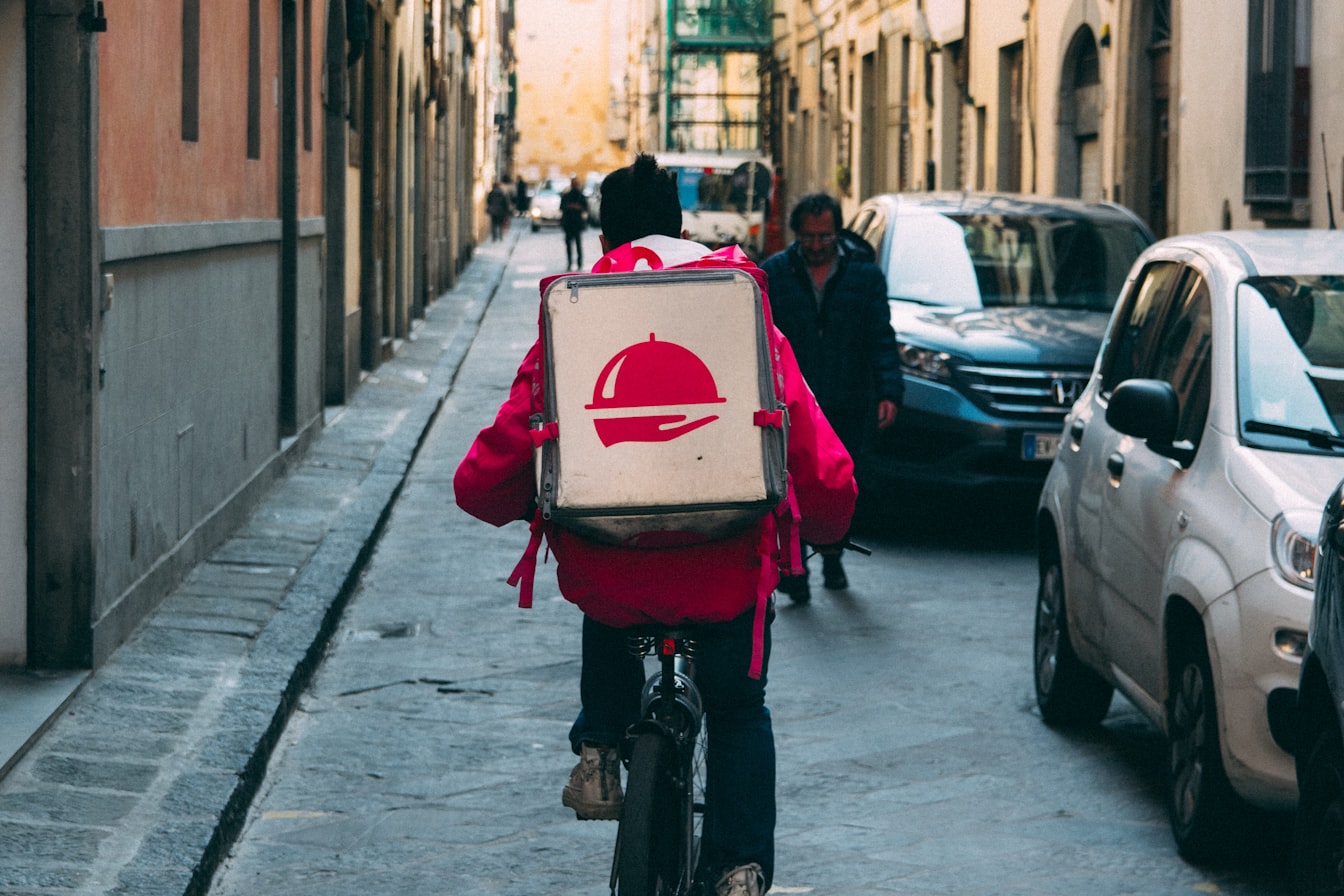
First time filing taxes as a delivery driver? Step-by-step T2125 guide for Uber Eats, DoorDash, and Skip drivers in Canada.
Yes. You can track income from every platform you drive for in one place. Whether you're full-time on one platform or splitting time across four, Accountly consolidates the totals for your T2125.
Log business-use trips as you drive, start kilometres, end kilometres, and purpose. The CRA requires a logbook to claim vehicle expenses. Accountly stores it with the rest of your records.
Commercial ride-sharing drivers generally must register for GST/HST from their first ride, with no small-supplier threshold for that activity. Delivery drivers generally use the $30,000 small-supplier tests: one calendar quarter or four consecutive calendar quarters across worldwide taxable supplies.
Canadian gig platforms now report your earnings to the CRA. Your reported income on your T2125 needs to match what the platforms reported. Accountly tracks income by platform so reconciliation is straightforward.
Not the principal payment. You can deduct interest on a car loan, lease payments (within CRA limits), and depreciation (CCA) on the business-use percentage of the vehicle. Accountly handles the categorization.
Yes. Gig drivers are self-employed for tax purposes, so you file a T2125 with your personal tax return (T1). Income from each platform goes on the same T2125 unless they're truly different businesses.
Free for 30 days. No credit card required.